
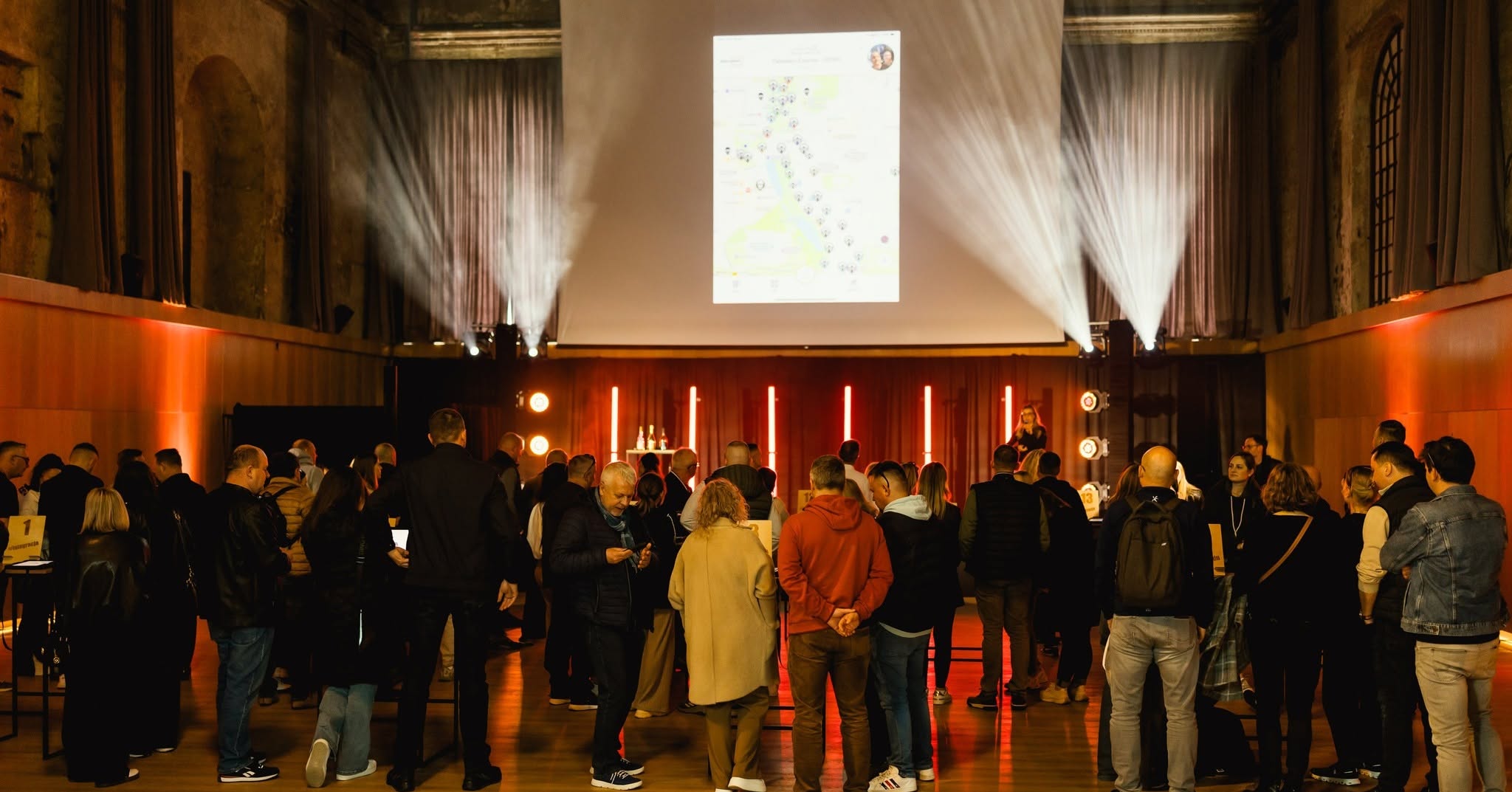
Turn passive conference attendance into active participation with customizable challenges, networking activities and team experiences.
Mooveteam gives conference organizers and event agencies the tools to create branded, technology-supported activities for corporate conferences, business summits, exhibitions and internal events.
Design quizzes, collaborative missions, multimedia challenges, networking games and venue-based experiences that complement your event programme and give attendees a reason to participate.
Request a Demo
Explore Corporate Team Building

Turn Attendees Into Active Participants
Conference engagement is not simply about putting more information on a screen. It is about giving attendees meaningful reasons to interact with the event, the content and one another.
Mooveteam allows organizers to introduce short interactive moments throughout the conference journey. These can be used during registration, between presentations, within breakout sessions, around exhibitor areas or as a larger team experience.
Activities can help you:
- Break the ice at the beginning of the event.
- Encourage conversations between attendees.
- Reinforce ideas introduced by speakers.
- Add participation to breakout sessions.
- Direct traffic towards sponsors and exhibition areas.
- Create friendly competition between teams or tables.
- Collect creative photo, video and written responses.
- Finish the conference with shared results and memorable content.
Rather than replacing the conference programme, gamification adds a structured participation layer around it.
What Is a Conference Engagement Activities Platform?
A conference engagement activities platform is software that helps organizers create and manage interactive attendee experiences.
These experiences can include quizzes, team missions, networking challenges, multimedia tasks, QR-activated activities, location-based games and collaborative competitions.
Mooveteam is designed for professional organizers who need more flexibility than a fixed conference game or basic polling tool.
The same platform can support:
- A ten-minute icebreaker.
- A knowledge challenge following a keynote.
- A networking activity during a reception.
- A sponsor-led exhibition route.
- A table-based team competition.
- A multi-stage experience running throughout the day.
For broader corporate formats, explore the existing team-building platform.
Conference Activities You Can Create
Gamified networking activities
Unstructured networking can be uncomfortable, especially when attendees do not already know one another.
A gamified networking activity gives people a clear reason to start a conversation. Participants can be challenged to find colleagues with particular skills, meet people from different departments or markets, exchange information and complete collaborative missions.
The activity can be adapted to the conference topic, audience and networking objectives.

Interactive conference icebreakers
Use short quizzes, creative questions, photo tasks or team missions to energize the room before the main programme begins.
An icebreaker can help when:
- Attendees come from different offices or countries.
- Participants have not worked together before.
- The conference brings several departments together.
- The event includes new employees, partners or customers.
- Organizers want to establish an active tone from the beginning.
Knowledge and learning challenges
Turn conference content into questions and interactive tasks.
Organizers can create challenges around:
- Keynote presentations.
- Product information.
- Company strategy.
- Industry knowledge.
- Corporate values.
- Training objectives.
- Internal communication campaigns.
Questions can be combined with images, videos, audio, puzzles and creative submissions to make the activity more varied.
Breakout-session activities
Mooveteam can give breakout sessions a clearer structure.
Teams might be asked to solve a scenario, discuss a business problem, submit a recommendation, record a short video or complete a sequence of challenges.
This creates an active way for participants to apply the ideas introduced during the main sessions.
Sponsor and exhibitor engagement
Encourage attendees to explore sponsor booths and exhibition areas through missions, QR codes and venue-based challenges.
Activities can be used to:
- Guide traffic towards selected stands.
- Introduce sponsor products or messages.
- Reward visitors for exploring the exhibition.
- Create a structured attendee journey.
- Add interaction to branded activations.
The objective should be to create useful engagement rather than forcing attendees through an advertising sequence.
Team competitions
Organize attendees into teams and create a collaborative challenge that unfolds during the conference.
Teams can complete questions, puzzles, photo missions, videos or mini-games while collecting points.
A shared-device format can encourage discussion within the group, while individual-device formats can support distributed or hybrid participation.
Design the Experience Around Your Event
A conference activity should feel like part of the event—not like an unrelated game added at the last minute.
Mooveteam allows organizers to customize the activity around the conference identity, audience and objectives.
Depending on the format, customization can include:
- Event and client logos.
- Branded backgrounds.
- Custom maps and icons.
- Conference-specific questions.
- Images, videos, audio and GIFs.
- Introductory screens and instructions.
- Hints and response screens.
- Sponsor content.
- Corporate messages.
- Scoring rules.
- Routes and challenge sequences.
This allows an agency to reuse a successful event structure while adapting the branding, content and objectives for each client.
Combine Different Types of Interactive Challenges
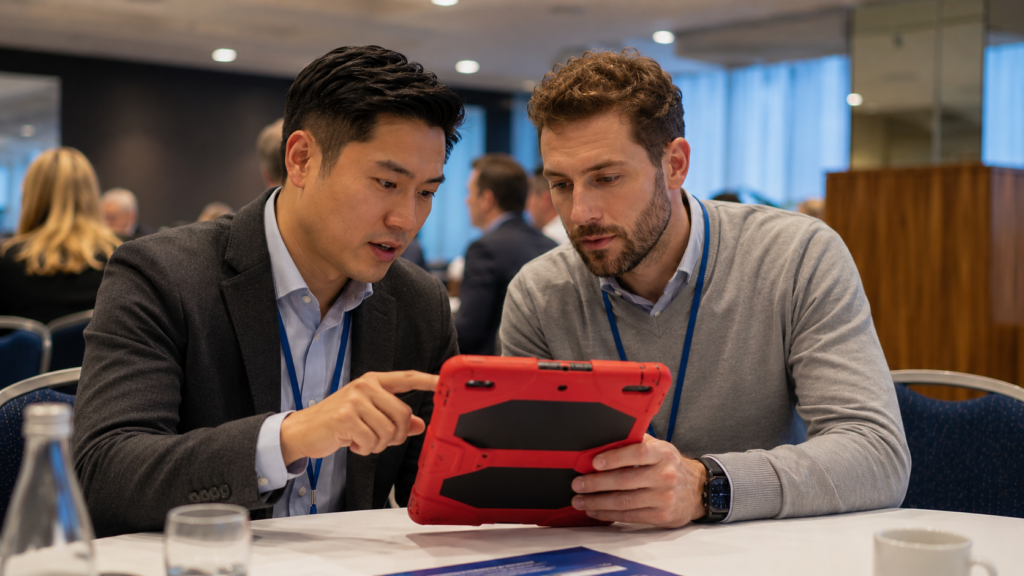
A varied activity keeps participants involved and allows different people to contribute.
Mooveteam supports several challenge formats that can be combined within the same conference experience.
Questions and quizzes
Create multiple-choice or open-response questions connected to presentations, company knowledge or event themes.
Photo and video missions
Invite teams to produce creative content during the event. Organizers can use these submissions during the closing session or in post-event communications.
Multimedia challenges
Use images, audio, video, animations and instructions to create a more complete attendee journey.
Puzzles and mini-games
Introduce short problem-solving tasks that encourage communication, observation and collaborative decision-making.
QR-activated activities
Place QR codes on tables, printed cards, sponsor stands or different areas of the venue to unlock content and challenges.
Location-based missions
Use the event venue, exhibition space or nearby area as part of the experience.
Routes and segments
Divide the activity into stages or create different routes for separate teams.
This can help organizers:
- Reduce congestion.
- Distribute attendees across the venue.
- Release challenges at specific moments.
- Create different levels.
- Connect activities with the conference timetable.
- Build a narrative that progresses throughout the event.
Manage the Experience During the Conference
Interactive activities need to be flexible enough to work within a live-event environment.
Using the Mooveteam back office, organizers can prepare the activity, structure the challenges and manage how the experience progresses.
Depending on the selected format, event managers can use the platform to:
- Organize participants into teams.
- Control challenge sequences.
- Send instructions.
- Review participant responses.
- Manage scores.
- Introduce new stages.
- Coordinate activities with the event programme.
- Use participant-generated photos and videos in the closing session.
The platform supports the event team while participants focus on the experience itself.
A Practical Example: Turning Existing Content Into an Indoor Activity
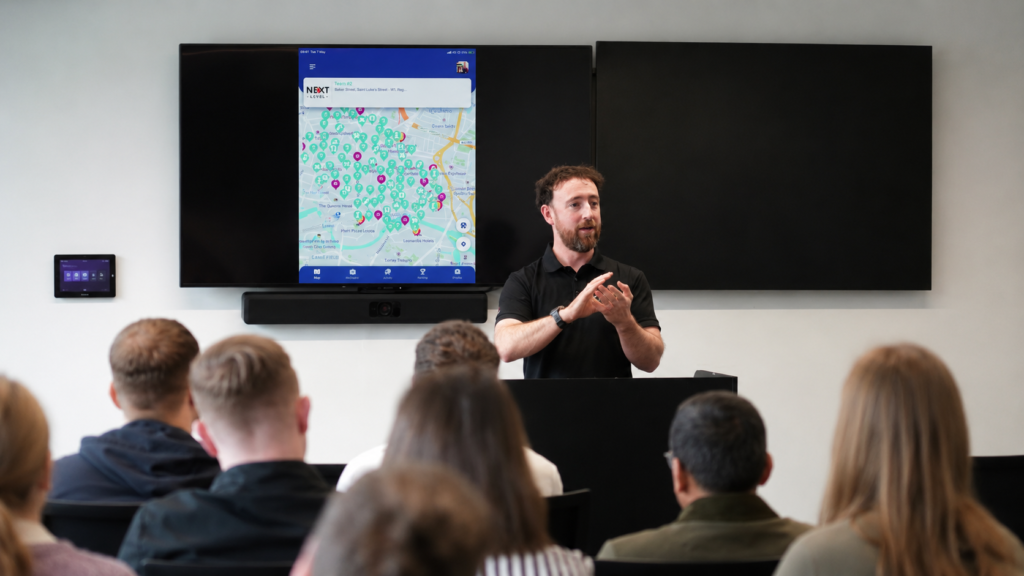
Mooveteam partner ClueGo created an indoor activity after receiving a brief for a fast, competitive and low-mess meeting-room icebreaker.
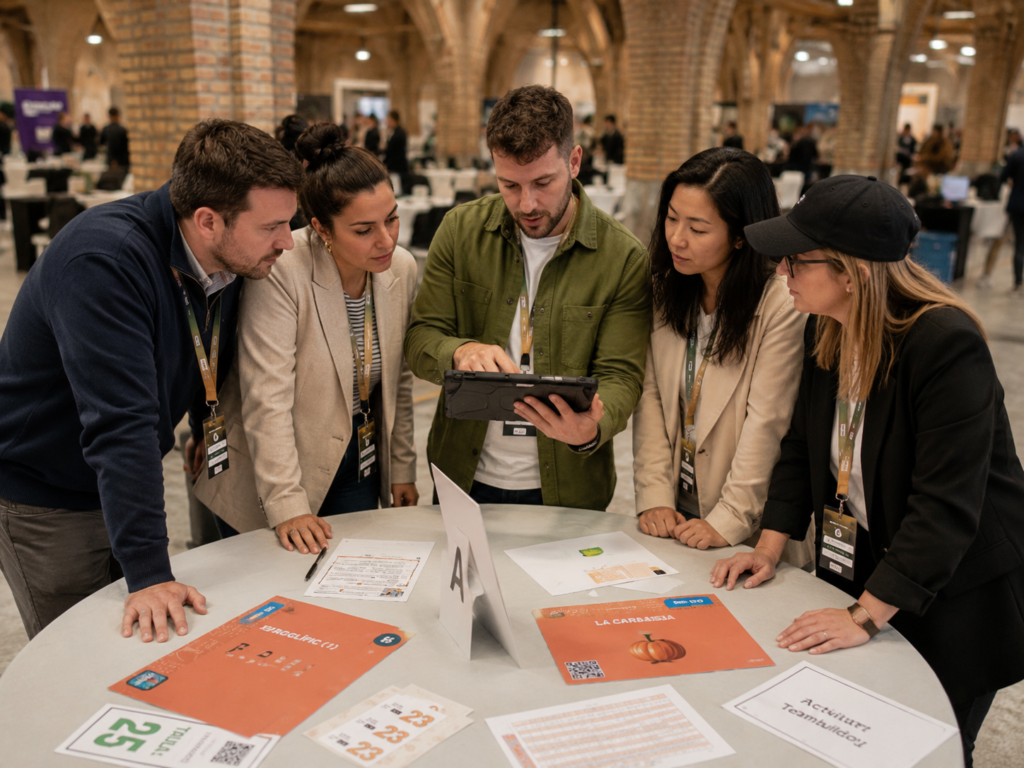
The resulting format used QR-coded cards with different levels of difficulty. Participants selected cards, scanned the codes and completed questions, mini-games and photo challenges.
The concept demonstrates how an organizer can adapt existing activity content to a different event environment instead of building every format from the beginning.
Learn more about ClueGo and its use of Mooveteam, or explore the wider Mooveteam partner network.
Suitable for Different Conference Formats
Corporate conferences
Connect employees, reinforce company messages and create interaction around strategy, culture or organizational change.
Sales kick-offs
Transform product knowledge, sales objectives and commercial messages into team challenges.
Leadership meetings
Create scenario-based activities based on communication, decision-making and strategic thinking.
Exhibitions and trade shows
Encourage attendees to visit different areas, interact with exhibitors and discover sponsor content.
Training conferences
Use questions, puzzles and applied tasks to reinforce learning objectives.
Customer and partner events
Help participants explore products, meet relevant people and engage with the host organization.
Multi-location events
Create a shared activity structure for attendees participating from different venues, offices or cities.
Hybrid conferences
Adapt selected challenges for personal devices and distributed teams when some attendees are participating remotely.
How to Create an Interactive Conference Activity
1. Define the objective
Begin with the outcome the activity should support.
Possible objectives include:
- Networking.
- Learning reinforcement.
- Sponsor engagement.
- Team collaboration.
- Venue exploration.
- Internal communication.
- Entertainment and energy.
2. Select the participation format
Decide whether attendees will participate using:
- One shared tablet per team.
- Individual mobile devices.
- A combination of shared and individual participation.
3. Choose the activity structure
Select the most appropriate format:
- Icebreaker.
- Quiz.
- Networking mission.
- Exhibition route.
- Table-based competition.
- Venue challenge.
- Multi-stage conference game.
4. Add the event content and branding
Customize the visuals, questions, videos, messages and challenges around the event.
5. Test the attendee journey
Review the instructions, timing, devices, challenge order and venue conditions before launch.
6. Manage the live experience
Coordinate the activity with the conference timetable and provide support when participants need it.
7. Close the activity
Use results, scores, photos or videos to create a shared conclusion and recognize participant contributions.
Built for Event Agencies and Professional Organizers
Mooveteam is not limited to one fixed conference activity.
It gives agencies and organizers a flexible framework for creating and reusing their own formats.
This can help agencies:
- Add conference gamification to their portfolio.
- Respond to different client briefs.
- Reuse successful event structures.
- Adapt one concept for different industries.
- Deliver branded activities.
- Combine indoor, outdoor and hybrid formats.
- Create additional commercial opportunities from interactive event technology.
Partners use the platform to develop experiences ranging from GPS challenges and indoor games to educational and corporate formats.
Explore more examples through the Mooveteam partner network.
What Should You Look for in a Conference Engagement Platform?
Before selecting a platform, consider whether it allows you to:
- Customize the activity around the client.
- Use different types of challenges.
- Support team and individual participation.
- Add multimedia content.
- Adapt the activity to the venue.
- Organize routes or stages.
- Reuse successful structures.
- Manage the experience during the event.
- Support indoor, outdoor and hybrid formats.
- Connect the activity with a clear event objective.
The right platform should make it easier to create the experience, not force the organizer into one inflexible format.
Conference Engagement Platform Pricing
The appropriate configuration depends on how the platform will be used, the number of participants and whether you are organizing one activity or building a repeatable event offering.
Review the available Mooveteam pricing options or request a demonstration to discuss your conference format.
Frequently Asked Questions
What is a conference engagement platform?
A conference engagement platform helps organizers create interactive attendee activities. These may include quizzes, networking challenges, team missions, multimedia tasks, venue exploration and sponsor activations.
How can gamification improve a conference?
Gamification introduces objectives, participation and feedback into the attendee journey. It can be used to encourage networking, reinforce learning, guide attendees through the venue and add energy between sessions.
Can Mooveteam be used indoors?
Yes. Activities can be designed for conference halls, hotels, meeting rooms, exhibition spaces and other indoor venues.
Can we use our own branding?
Mooveteam supports customizable branding and content, including logos, backgrounds, maps, questions, multimedia and event messages.
Can the platform support networking?
Yes. Organizers can create missions that encourage attendees to meet, exchange information and collaborate with people outside their existing professional groups.
Can it be used for sponsor engagement?
Yes. QR codes, challenges and venue-based missions can be used to direct attendees towards sponsor or exhibitor areas.
Do participants need to use their own devices?
The format can be designed around shared team devices, individual devices or a combination of both.
Can event agencies reuse an activity?
Yes. Agencies can reuse a successful structure while changing its content, branding, audience and objectives for another client.
Can the activity form part of a larger team-building programme?
Yes. Conference activities can be connected with broader corporate team-building experiences.
Create a Conference People Actively Participate In
Mooveteam helps conference organizers create branded, interactive activities that encourage attendees to communicate, explore, collaborate and contribute.
From a short networking icebreaker to a conference-wide team competition, the platform gives you the flexibility to design an experience around your audience and event objectives.


