
Research date: 9 July 2026
If you're setting up or growing a corporate team building business, the tablet fleet is one of the first real investments you'll make — and it's easy to get wrong. Most guides push rugged 8-inch work tablets because they survive drops well, but that misses how these events actually run: a single tablet is usually shared by a team of four or five people standing around it, unlocking GPS challenges, reading clues and taking photos together. A small screen designed for one field technician doesn't hold up when five people need to see it at once.
This guide walks through what actually matters for this use case, why most established agencies still default to cellular iPads, when Android tablets make more sense, and how to handle the accessories, rentals and bring-your-own-device options that let you scale without overspending upfront.
Mooveteam's platform, including MooveXR, supports the formats these devices are built for — GPS treasure hunts, indoor quiz games, escape games, conference activities and educational challenges — with tools for custom branding, GPS activation, photo and video tasks, live event management and post-event reporting.
Why screen size matters more than ruggedness

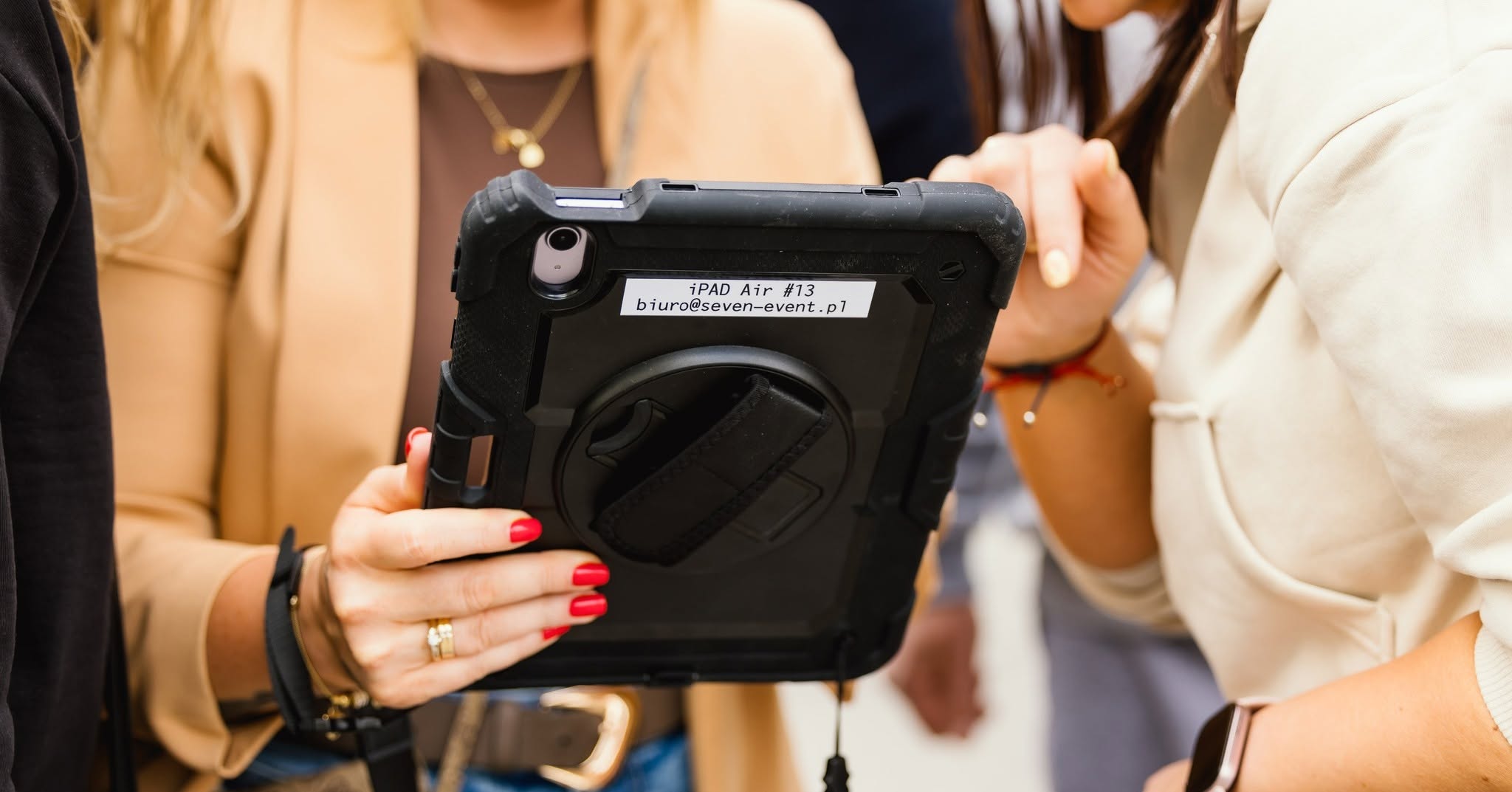
A team-building tablet isn't a personal device — it's shared. In a typical GPS treasure hunt or city challenge, one tablet is handed between participants or held in the middle of the group while the team reads a mission brief, checks the map, solves a puzzle, films a challenge or checks the leaderboard together.
That group dynamic is exactly why an 8-inch rugged tablet, built for a single field worker, often feels too small once five adults are trying to read it at the same time. For most agencies, the more useful range is 10.9 to 12.1 inches — big enough for a group to collaborate around, still light enough to carry through a venue, campus or city route.
Durability, GPS accuracy, battery life and outdoor visibility all still matter, and we cover how to solve for those below — but with the right case and screen protector, a mainstream tablet gets you there without sacrificing the screen real estate your format actually needs.
iPad vs Android: what agencies actually choose
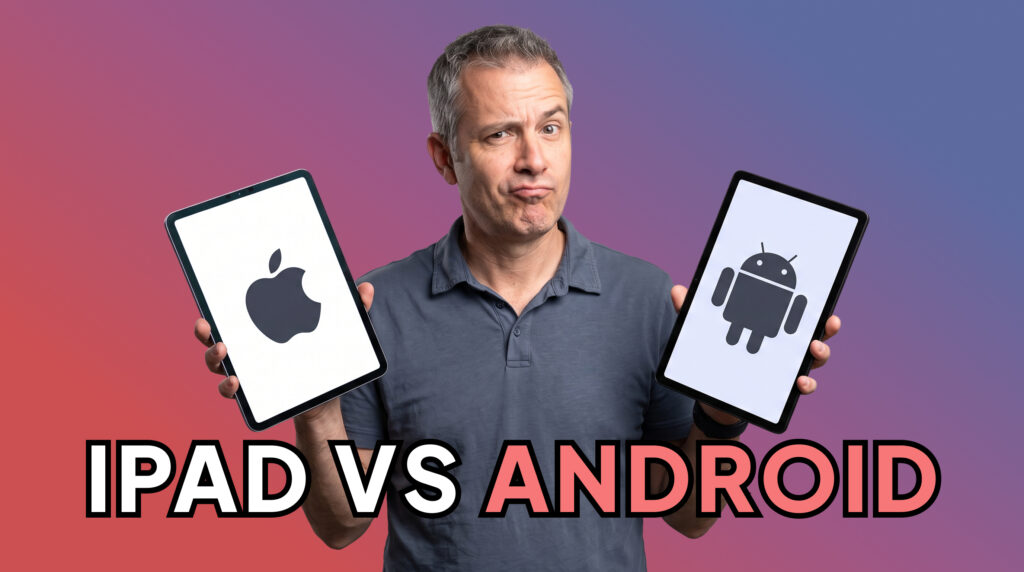
Before picking a specific model, it's worth settling the bigger question: should your fleet be built around iPads, Android tablets, or a mix of both?
Why iPads are the default for most agencies
Cellular iPads remain the safest starting point for a team-building fleet, and there's a reason established agencies keep coming back to them: participants already know how to use one, corporate clients read the device as premium, and the fleet looks consistent across every event. When a team receives an iPad for a treasure hunt, it quietly reinforces that the whole activity is professionally run — and that device shows up in the photos and recap videos afterward too.
ClueGO, one of the agencies that has built a large part of its business around Mooveteam-powered treasure hunts and team-building formats, has historically run its managed activities on iPad fleets — a good signal for how the format performs at scale.
When Android makes more sense
Android tablets earn their place when the priority shifts to cost or screen size. Larger Android tablets can offer more display for less money, sourcing is more flexible since you're not tied to one manufacturer, and scaling a fleet from 10 to 30 devices is generally cheaper. For events built around maps, quizzes, media challenges and live scoring — rather than a specific app ecosystem — Android tablets handle the job well.
A practical way to decide
Use cellular iPads if you want the safest, most agency-standard experience. Use large-screen Android tablets if budget or screen size is the priority. Use BYOD for lighter or remote formats. And rent iPads for occasional premium events before committing to a full fleet — more on each of these below.
Best tablet options for corporate team building events in 2026
1. Apple iPad A16, 11-inch, Cellular — the standard agency choice
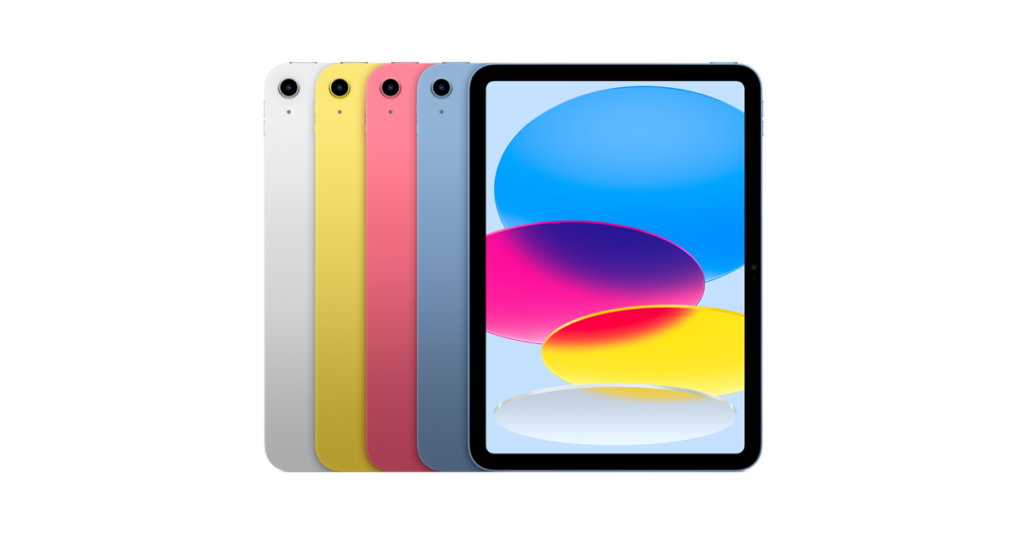
For most professional agencies, this is the default. Apple's current entry-level iPad pairs an 11-inch Liquid Retina display with the A16 chip and 128GB of storage. It isn't the cheapest tablet on this list, but it's usually the most commercially comfortable one: clients recognize it, participants need no explanation, and event managers only have to train staff on one device.
It isn't rugged out of the box, so budget for a solid case, hand strap and screen protector if you're running outdoor GPS routes.
Best for: professional team-building agencies, GPS treasure hunts, mixed indoor/outdoor formats, agencies that want the lowest-risk commercial choice.
2. Apple iPad 10th Generation, Cellular — the budget iPad route
If you want an iPad fleet without the full A16 price tag, the 10th generation model (10.9-inch Liquid Retina, 500 nits brightness per Apple's specs) is still capable enough for most formats, especially bought refurbished. Just check battery health carefully on refurbished units, and stick to cellular versions — Wi-Fi-only models won't hold up for outdoor GPS play.
Best for: agencies building a fleet on a controlled budget, demo units, pilot events.
3. Xiaomi Redmi Pad Pro 5G — the large-screen Android value pick
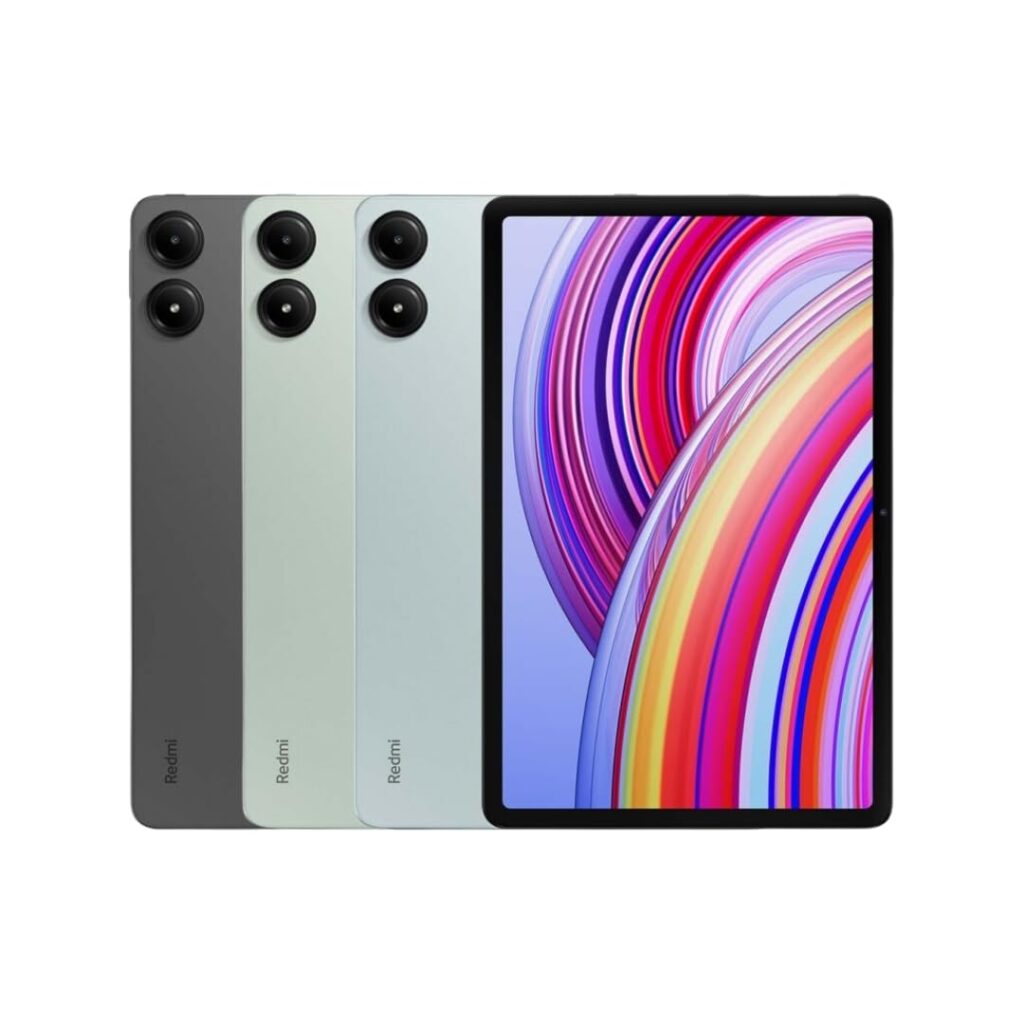
This is the strongest Android argument for team-shared events: a 12.1-inch display at 2560×1600, 120Hz refresh, 500 nits typical brightness (600 nits in high-brightness mode) and a 10,000 mAh battery, per Xiaomi's listed specs. For a group of five trying to read a map or solve a puzzle together, that extra screen space is a real advantage, and the price sits well below iPad territory.
It isn't a rugged device, so plan for a strong case and screen protector — non-negotiable for outdoor use.
Best for: budget-conscious agencies, indoor conference formats, puzzle-heavy games, fleets scaling quickly.
4. Samsung Galaxy Tab S9 FE 5G — the balanced Android alternative
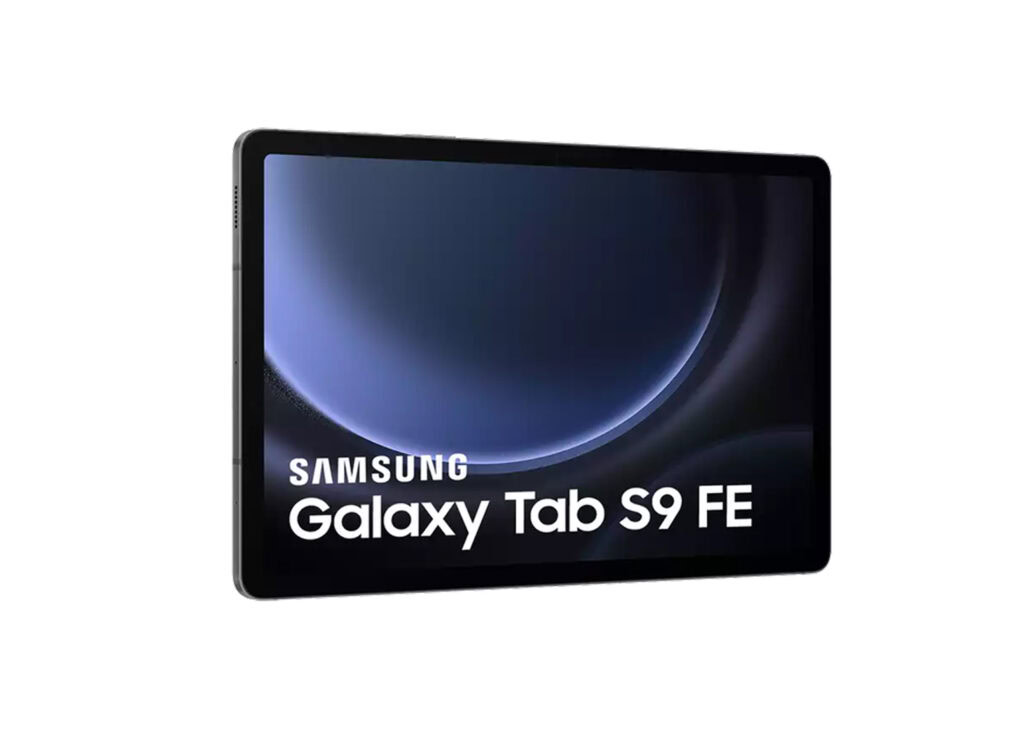
If you want Android but prefer a more established brand with better B2B availability in Europe, the Tab S9 FE 5G is a reasonable middle ground, with current comparison listings in Spain starting around €425 depending on storage and connectivity. Just confirm you're buying the cellular version, not Wi-Fi-only.
Best for: Android-based fleets that still want brand reliability and supplier support.
5. Samsung Galaxy Tab Active5 5G — useful, but not as the team device
This is the rugged 8-inch tablet most hardware guides recommend outright, with IP68 and MIL-STD-810H durability. It's genuinely tough, but the screen is too small for a five-person group to share comfortably during a game. Where it earns a spot in the fleet is as the event manager's device, a backup unit, or the one tablet you hand to a team running through mud or rain.
Tablet comparison
| Tablet | Screen | Connectivity | Approx. price | Best fit |
|---|---|---|---|---|
| iPad A16, 11" Cellular | 11″ | Cellular | Mid/high | Standard agency fleet |
| iPad 10th Gen Cellular | 10.9″ | Cellular | Mid, lower if refurbished | Budget iPad fleet |
| Xiaomi Redmi Pad Pro 5G | 12.1″ | 5G | Low/mid | Large-screen Android fleet |
| Samsung Galaxy Tab S9 FE 5G | 10.9″ | 5G | Mid (from ~€425) | Balanced Android option |
| Samsung Galaxy Tab Active5 5G | 8″ | 5G | Mid | Event manager / rough conditions device, not the main team tablet |
Prices are approximate and change by market, storage and retailer — always check current pricing before budgeting a fleet.
Accessories every fleet needs
The tablets are only half the setup. A few accessories decide whether an event runs smoothly or turns into a battery-and-glare problem halfway through.
Rugged case with a hand strap
Non-negotiable for iPads and consumer Android tablets. Look for drop protection, reinforced corners, a hand strap (teams walk while holding these), easy access to the camera and charging port, and a case that still looks professional rather than bulky and childish.
A screen protector built for contrast, not just scratches
For outdoor GPS games, a matte anti-glare screen protector does more than prevent scratches — it keeps the map and challenge text readable in direct sunlight, where a glossy screen becomes hard to see. Prioritize anti-glare finish and good touch sensitivity over pure scratch resistance.
A charging case once you pass 8–10 tablets
At that point, individual chargers and cables become a logistics problem of their own. A charging flight case keeps everything organized, charges the whole fleet overnight, and makes on-site setup faster.
Power banks, SIM cards, and labels
Power banks cover long days and back-to-back sessions. Every cellular device needs a tested data plan — individual SIMs, eSIMs or a pooled business plan, checked in advance for the actual event location. And every tablet should carry a visible number (Team 01, Backup 01, Event Manager) tracked against its SIM, case and damage history — a simple spreadsheet is enough until the fleet grows past 20 or so units.
BYOD: running activities without owning any tablets
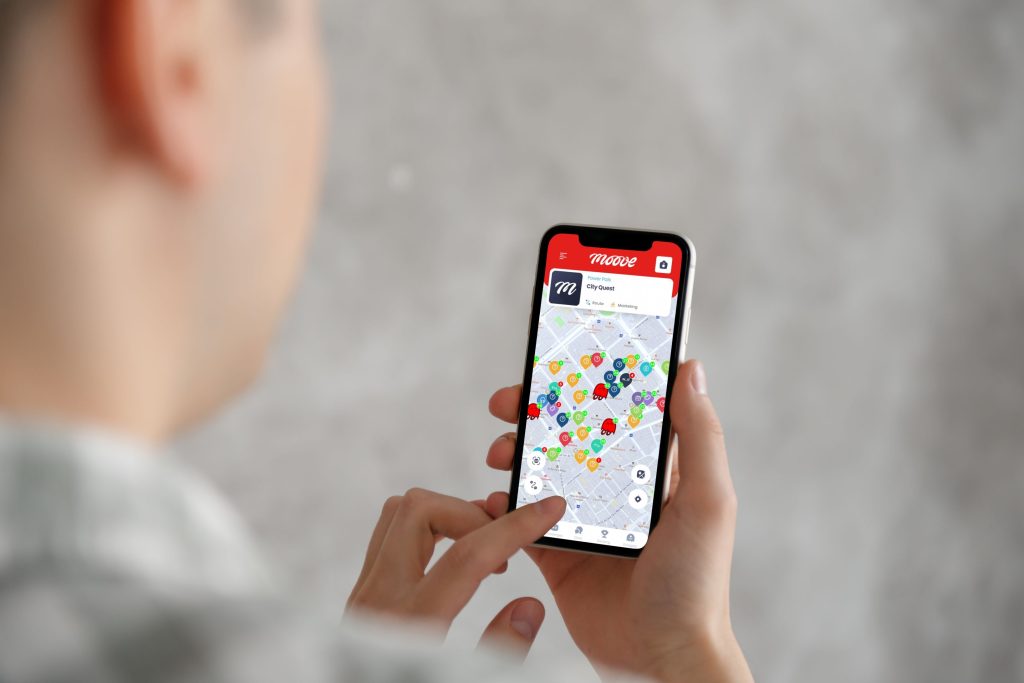
Not every agency needs a tablet fleet on day one. If gamified activities are a side offering rather than your core business — say you mainly run conferences, incentives or retreats — Bring Your Own Device can be the more sensible starting point. Participants use their own phones instead of an agency-provided tablet.
Mooveteam's platform already distinguishes between shared-device team formats and remote or individual formats where each participant plays from their own phone, which makes BYOD a genuine option rather than a workaround.
It trades some of the shared-screen experience for lower cost and easier scaling: no upfront hardware, easier to run with large groups, but more variation in device quality, more risk of someone's battery dying mid-game, and less of the "prepared, professional kit" feeling that a tablet handoff creates.
Renting iPads instead of buying
For agencies running gamified events only occasionally, renting is often smarter than buying. It makes sense when you're testing the format, running a single large event that needs more devices than you own, operating in a different city, or want to offer a premium option without holding stock.
A workable model: offer BYOD as the accessible tier, rented iPads as the premium managed tier, and only buy a permanent fleet once demand becomes predictable enough to justify it.
Recommended starter fleets
Pilot / demo setup: 4–6 cellular iPads or large Android tablets, 1–2 backups, rugged cases, matte screen protectors, power banks, SIM cards, a small charging station, one device for the event manager.
Setup for ~50 participants: 10 team tablets, 2 backups, rugged cases and screen protectors for each, a data plan per device, 6–10 power banks, a charging/storage case, and a laptop or tablet for the event manager. Enough for roughly 8–10 teams.
Setup for ~100 participants: 20 team tablets, 2–4 backups, a charging flight case, spare cables, spare screen protectors and straps, a dedicated event manager device, and an inventory spreadsheet or MDM tool to track it all.
The short version
Start with cellular iPads if you want the standard, lowest-risk agency experience — that's what most established players, including ClueGO's treasure hunt formats, are built on. Move to large-screen Android tablets like the Redmi Pad Pro 5G if budget or screen size is the priority. Use BYOD for lighter or occasional activities, and rent before you buy if you're still testing demand. What you're optimizing for isn't ruggedness alone — it's giving a five-person team a screen they can actually gather around.
FAQ
What is the best tablet size for corporate team-building events?
Somewhere between 10.9 and 12.1 inches works best. That's large enough for a team of around five people to read the map and challenges together, while still being light enough to carry through a venue or city route.
Are iPads better than Android tablets for event agencies?
iPads are usually the safer choice for client-facing polish, familiarity and resale value. Android tablets win on screen size and cost per unit. Most agencies default to iPads and add Android tablets as the fleet scales.
Should I buy Wi-Fi or cellular tablets?
Cellular. Wi-Fi-only tablets depend on hotspots, which adds another device to manage and another point of failure for GPS tracking, live scoring and media uploads during outdoor events.
Can I run team-building events with participants' own phones?
Yes. BYOD works well for lighter, larger or lower-budget formats, and for agencies where gamified activities aren't the core business. It's less premium than a prepared tablet, but it removes the upfront hardware cost entirely.
Should a new agency buy or rent iPads?
Rent first if you're testing demand or covering a one-off large event. Buy once you have regular bookings and want to protect margins across repeated events instead of paying rental fees each time.
Are rugged work tablets a good choice for team-building games?
They're useful for the event manager or for genuinely rough outdoor conditions, but most rugged tablets are too small (often around 8 inches) for a team to share comfortably. Screen size usually matters more than ruggedness for the main fleet.
What accessories are essential?
A rugged case with a hand strap, a matte anti-glare screen protector, power banks, tested SIM/data plans, a charging case once you pass 8–10 units, and clear labels for tracking each device.
How many tablets do I need to start?
4–6 for pilots and demos, around 10 team tablets plus backups for a 50-participant event, and around 20 team tablets plus 2–4 backups for 100 participants.
Recommended schema: Article, FAQPage, BreadcrumbList.
Related reading
- Mooveteam's iPad gamification launch — how iPad-based activation was built into the platform
- how MooveXR improves gamified team activities on Android devices
- how ClueGO grew 100% of its revenue running tablet-based treasure hunts with Mooveteam
- The Hunted, ClueGO's treasure hunt experience powered by Mooveteam
- planning engaging scavenger hunts with Mooveteam
- how team-building agencies can scale without hiring more staff
Want to build or expand a corporate team-building business? Mooveteam gives agencies the tools to create GPS treasure hunts, indoor games and branded corporate activities, backed by event gamification software built for live management and post-event reporting. Check pricing, explore becoming a Mooveteam partner, or book a demo to see the platform running on your own device fleet.


